
GitHub stays the source
Desktop browsing and editing talk directly to GitHub. Personal and organization Projects are supported.
Check project progress from the menu bar, then manage issues in boards and tables. Bring your existing GitHub Projects into a native Mac app—and keep the workflow you already know.
macOS 14+ · GitHub.com account
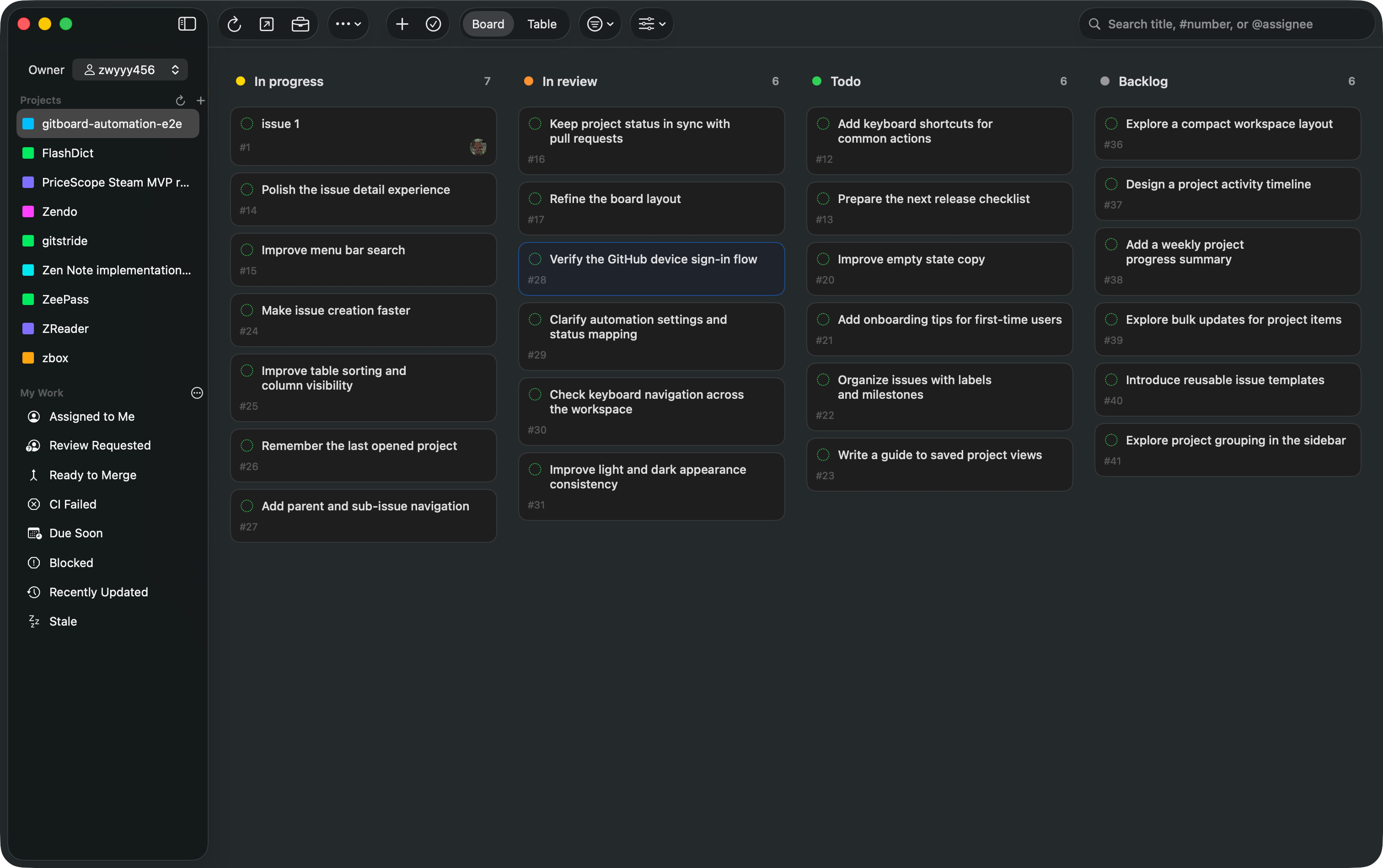
SAME PROJECTS. A NATIVE MAC WORKSPACE.
GitStride lets you view and manage your existing issues and Projects in a focused Mac workspace. No second backlog to maintain and no entirely new workflow to adopt.
01 / CLOSER AT HAND
Check a project from the menu bar, find an issue, then get back to what you were doing. Open the full workspace when it is time to dig in.
Meet your menu bar companion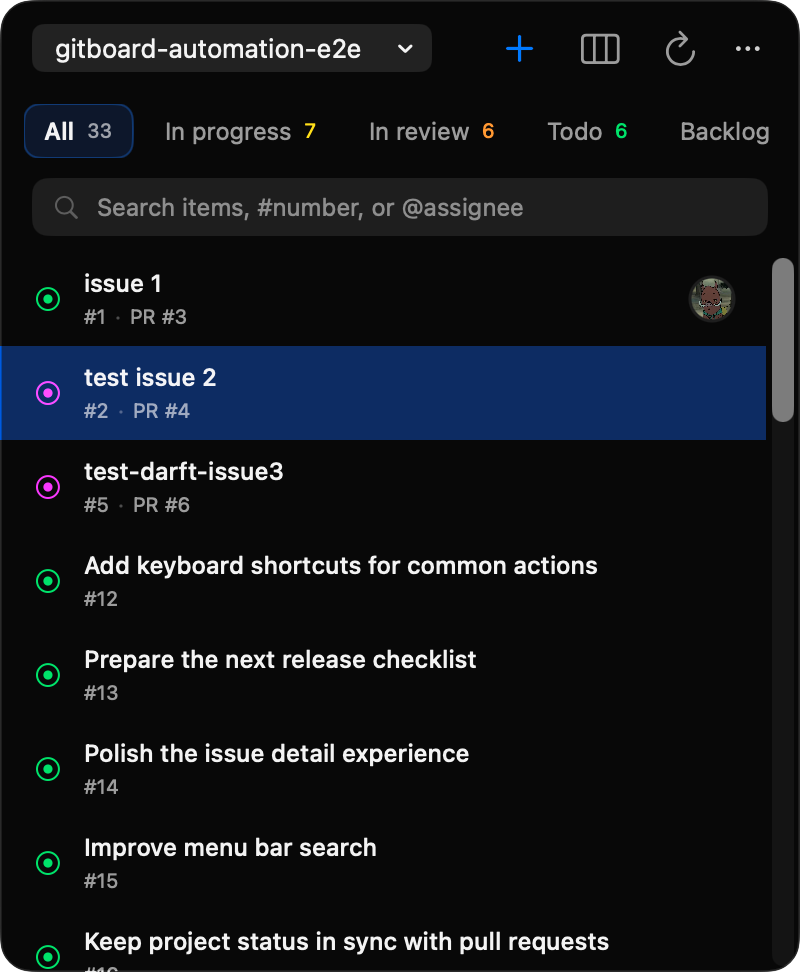
02 / LESS CONTEXT SWITCHING
Switch freely between board and table views. Use search and filters to find the issues that need your attention. Edit issue details, assignees, and status directly to keep the project moving.
Explore the workspace guide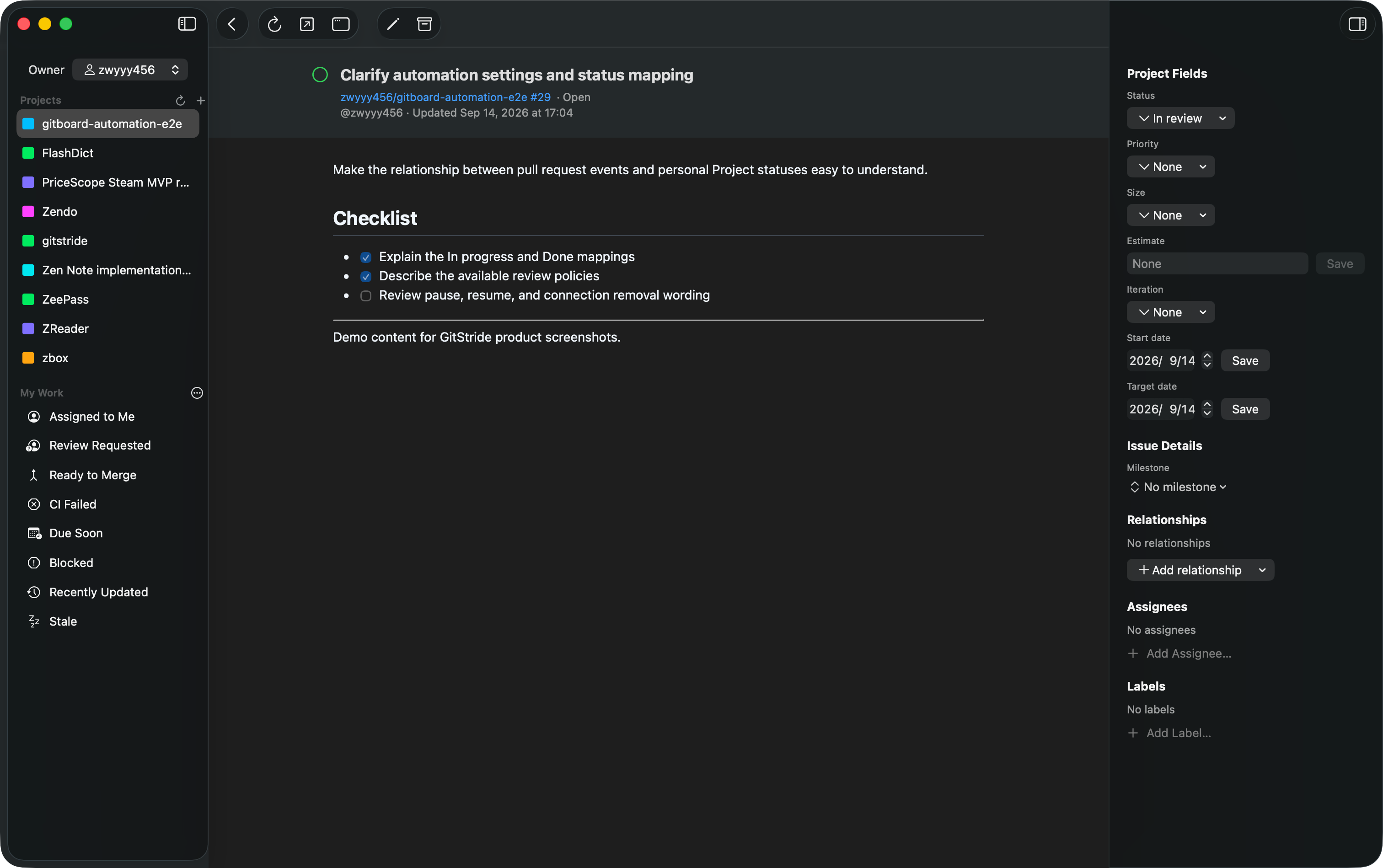
03 / PROGRESS, CONNECTED
Let linked pull requests update an issue’s status in matching personal Projects. The optional service keeps running, even when you close GitStride.
Explore automationOne issue, one closing PR. The real service waits at least 3 seconds before processing, plus queue and network time.
Personal Projects · Separate authorization · Your choice of review policy
FAMILIAR FOUNDATIONS
Desktop browsing and editing talk directly to GitHub. Personal and organization Projects are supported.
Login credentials live in macOS Keychain. Desktop OAuth requests broad repository access; local project snapshots are not encrypted.
Explore the MIT-licensed source. Use the optional hosted automation service, or connect your own Worker.
LESS SWITCHING. MORE MAKING.
Your projects are already on GitHub.
Give them a home on your Mac.